
Download AccuRC 2 – RC flight simulator, drone simulator, RC helicopter, flight simulation, 3D RC models, realistic flight physics, drone racing, aerobatics, RC pilot training, simulation software
Overview
AccuRC 2 is a high-fidelity flight simulation application designed for remote control (RC) enthusiasts and aspiring pilots seeking a deeply authentic flying experience. Built as a successor to its acclaimed predecessor, the app enhances realism through advanced aerodynamic modeling and precise replication of real-world aircraft. Targeted at both beginners and experienced RC pilots, AccuRC 2 serves as a valuable training tool and entertainment platform, bridging the gap between virtual practice and real-world flight dynamics. The application’s focus on accuracy in design and physics makes it particularly useful for those preparing to operate actual RC aircraft, offering a safe and cost-effective way to build muscle memory and refine control techniques.
Developed by AccuRC, the app leverages partnerships with leading RC manufacturers to incorporate original CAD files into its model library, ensuring that each aircraft mirrors its physical counterpart in form and function. This commitment to authenticity sets AccuRC 2 apart in the simulation space, where many applications prioritize visual appeal over technical fidelity. Real-world use cases include skill development for aerobatics, drone racing preparation, and mastering complex helicopter maneuvers. In the broader app ecosystem, AccuRC 2 occupies a niche but critical space—catering to a specialized audience that values precision over gamification. Its presence on Steam reflects a focus on desktop-level performance and immersive experience, making it a standout in simulation software for RC enthusiasts.
Key Features & Functionality
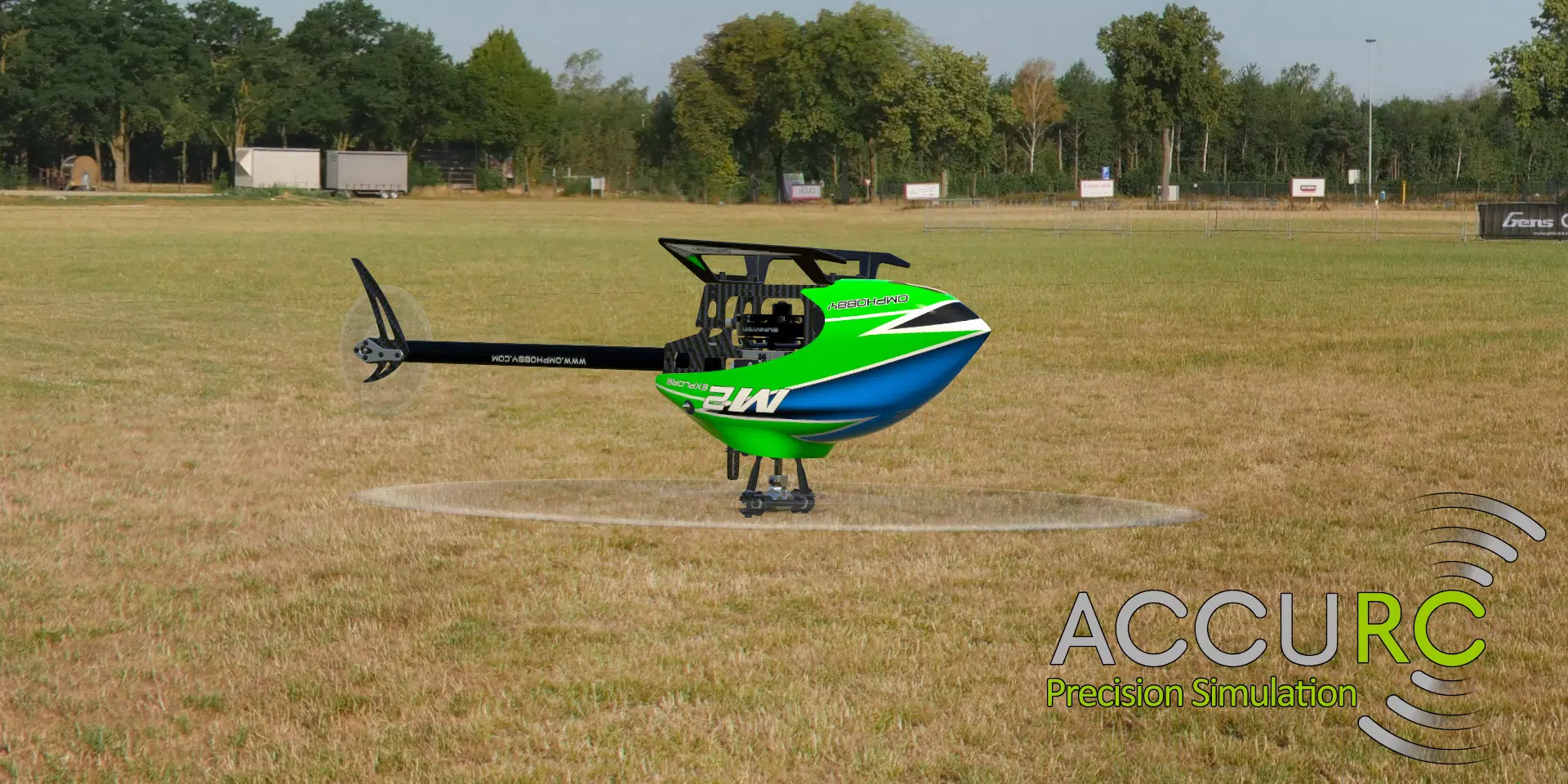
- Authentic Model Replication: Every aircraft in AccuRC 2 is constructed using original CAD files from real manufacturers, ensuring that dimensions, weight distribution, and component placement closely match their physical counterparts. This allows pilots to practice with models that behave exactly like the real machines they will eventually fly.
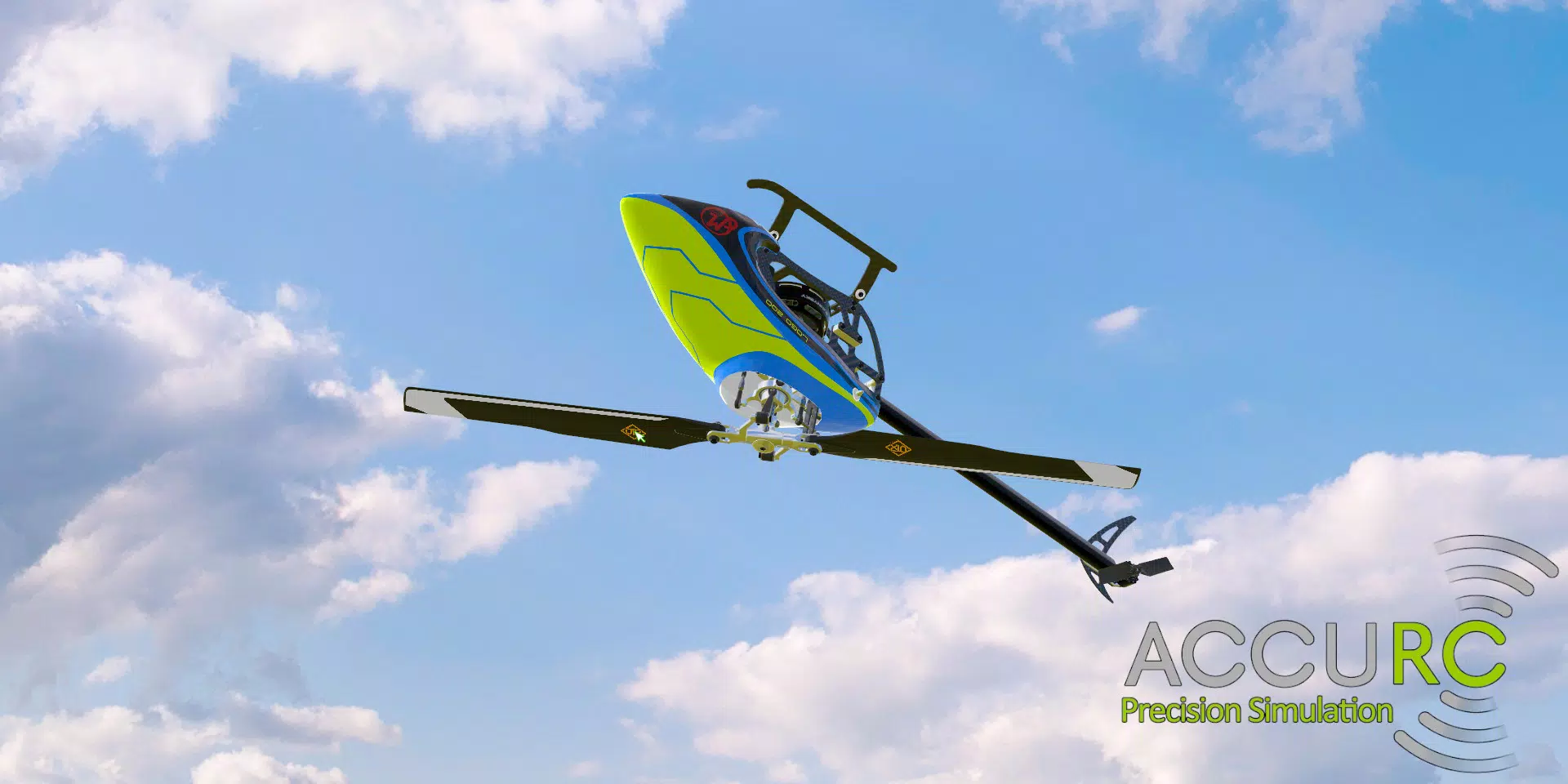
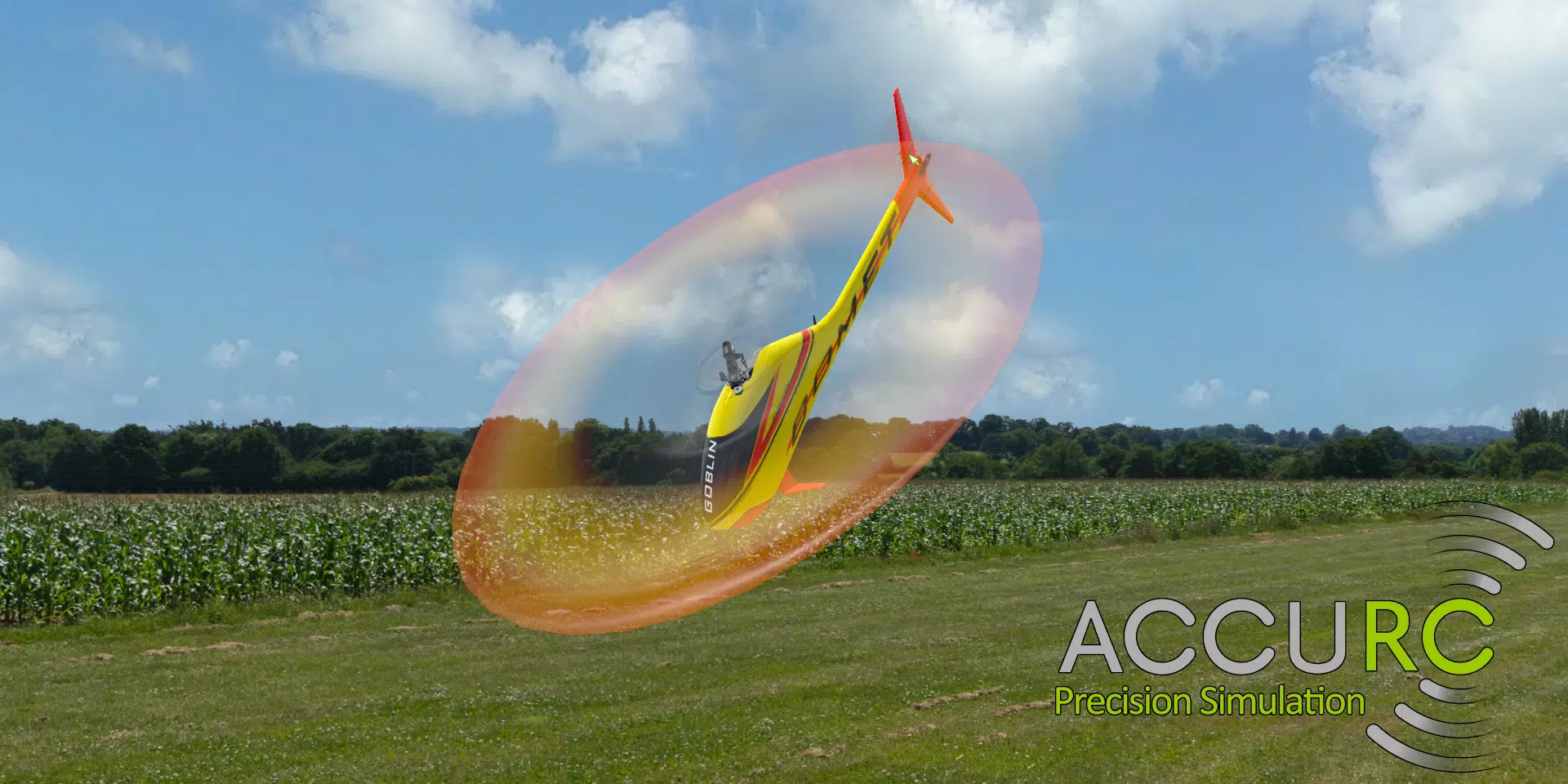
- Realistic Aerodynamics: The app employs a physics engine that simulates the behavior of servos, rotor blades, and control surfaces with high precision. This results in accurate responses to pilot inputs, including turbulence, lift variations, and gyroscopic effects, offering a training environment that mirrors real flight conditions.
- Customizable Flight Modes: Users can tailor flight parameters to suit different skill levels. Novices can enable stabilization features, while advanced pilots can disable them for full manual control, enabling a wide range of practice scenarios from basic takeoffs to complex 3D maneuvers.
- Diverse Asset Selection: The app includes a broad selection of aircraft types—helicopters, drones, and quads—each with unique flight characteristics. This variety supports different flying styles, from precision flying to high-speed racing, ensuring long-term engagement and replayability.
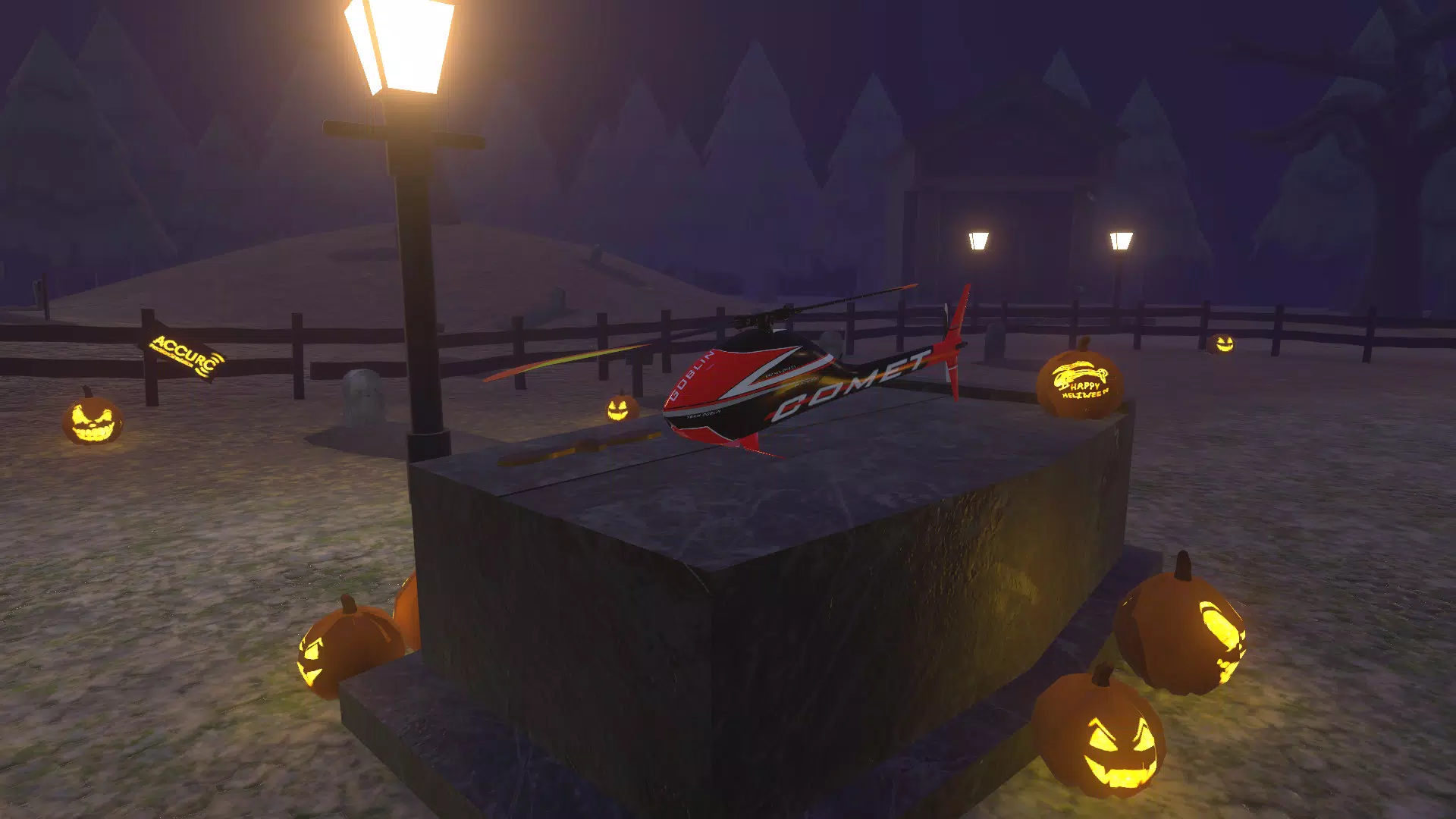
- Enhanced Visual Experience: With richly detailed 3D environments such as stadiums, urban landscapes, and remote islands, AccuRC 2 delivers an immersive visual experience. Multiple camera views, including first-person perspectives, allow users to customize their viewpoint for optimal situational awareness and enjoyment.
These features collectively support practical training, creative exploration, and competitive practice, making AccuRC 2 a versatile tool for RC pilots across skill levels.
Interface, UX & Performance
The user interface of AccuRC 2 is designed with functionality and clarity in mind, prioritizing accessibility for pilots of all experience levels. Navigation is structured around a central dashboard that provides quick access to aircraft selection, flight mode settings, and environment customization. The layout is intuitive, with clearly labeled controls and consistent visual cues, minimizing the learning curve for new users. Menus are responsive and well-organized, allowing seamless transitions between setup, simulation, and post-flight review.
Visual design emphasizes realism and detail, with high-resolution textures, dynamic lighting, and accurate shadow rendering that enhance immersion. The interface adapts to different screen sizes and aspect ratios, though specific device compatibility details were not provided. Although the developer did not list formal performance metrics, the app’s 2.8 GB file size suggests a resource-intensive experience, likely requiring capable hardware for smooth operation.
Stability appears robust, with no reported issues related to crashes or freezes. Responsiveness is generally strong, with minimal input lag during flight sessions, contributing to a fluid and engaging experience. The app’s performance on various device categories remains unverified, but its desktop-focused nature implies optimal results on high-end systems.
Platform Compatibility & Technical Requirements
AccuRC 2 is available exclusively on the Steam platform, indicating its primary deployment on desktop operating systems. The app requires a compatible PC with sufficient processing power, graphics capabilities, and memory to support its high-fidelity simulations. The file size of 2.8 GB reflects the app’s extensive asset library, including detailed 3D models, high-resolution textures, and complex physics calculations.
Specific system requirements such as minimum OS version, CPU, GPU, or RAM were not listed by the developer. The app is currently at version 1.0.1, released on June 12, 2017, suggesting it has been stable for several years with minimal updates. Compatibility with mobile platforms, such as Android or iOS, was not confirmed, and no information was provided regarding mobile support or APK availability.
Pros and Cons
Pros
- Highly accurate replication of real RC aircraft using original manufacturer CAD files
- Advanced physics engine delivers realistic flight dynamics and control response
- Extensive customization options for flight modes and aircraft settings
- Wide variety of aircraft types and detailed 3D environments for diverse flying experiences
- Immersive visuals with multiple camera perspectives and high-quality rendering
Cons
- Platform is limited to Steam, with no confirmed mobile or console availability
- Specific system requirements were not disclosed by the developer
- Version 1.0.1 has not seen updates since 2017, raising questions about long-term support
- Price point of $19.99 may be considered high for a simulation with limited recent development
- No official mobile version or APK release available for Android or iOS devices
FAQ
Is AccuRC 2 available for mobile devices?
AccuRC 2 is currently available only on the Steam platform, which is designed for desktop systems. There is no official mobile version or APK release for Android or iOS devices.
Can I use AccuRC 2 for training before flying real RC aircraft?
Yes, AccuRC 2 is designed with realistic flight physics and authentic aircraft models, making it a suitable tool for practicing control techniques and building familiarity with real-world flight dynamics before operating physical RC models.
Are there regular updates to AccuRC 2?
The latest version available is 1.0.1, released in 2017. The developer has not released any updates since then, and no information about future update plans has been provided.
What kind of hardware is needed to run AccuRC 2?
While specific technical requirements were not listed, the app’s 2.8 GB file size and high-fidelity graphics suggest it requires a capable PC with strong processing and graphics capabilities. Users are advised to ensure their system meets the demands of modern simulation software.
Is AccuRC 2 secure to download and install?
AccuRC 2 is distributed through the official Steam platform, which provides secure downloads and digital rights management. Users should only download the app via Steam to ensure authenticity and avoid potential security risks.
Final Thoughts
AccuRC 2 stands as a dedicated simulation tool for RC pilots who value precision, authenticity, and immersive training. Its use of real CAD data, advanced physics modeling, and customizable flight modes make it a powerful resource for skill development and creative flight exploration. While its lack of mobile support and absence of recent updates may limit its appeal to some users, its core functionality remains strong and relevant for desktop-based simulation.
The app is ideal for serious RC enthusiasts, aerobatics practitioners, and drone racing aspirants seeking a realistic virtual environment. For those invested in high-quality flight simulation, AccuRC 2 offers unmatched fidelity and depth. Download AccuRC 2 now.


